Start with Cursor
A step-by-step worksheet for setting up three tools that work together: Cursor (the AI editor), Wispr Flow (talk instead of typing), and OpenRouter (the inexpensive fuel). Check boxes as you go. The bar on top remembers where you stopped, even after closing the page.
Mom — read the FLASH box first, then just do one step at a time with me on the phone. You can't break anything. — EThe whole idea in two sentences: Cursor is a program on your computer where you chat with an AI that can write, fix, and organize things in files. Wispr Flow lets you talk to it instead of typing, and OpenRouter is the cheap fuel that powers the smart model.
Cursor Pro
OpenRouter
Wispr Flow
- Install Cursor & start the $20 plan ~15 min
- Install Wispr Flow (voice typing) ~5 min
- OpenRouter: add $10 & make a key ~10 min
- Connect them inside Cursor ~5 min
- Download your house rules from GitHub ~5 min
-
Go to the Cursor website and click Download.
Use this exact link (hold Ctrl and click it to open):
https://cursor.com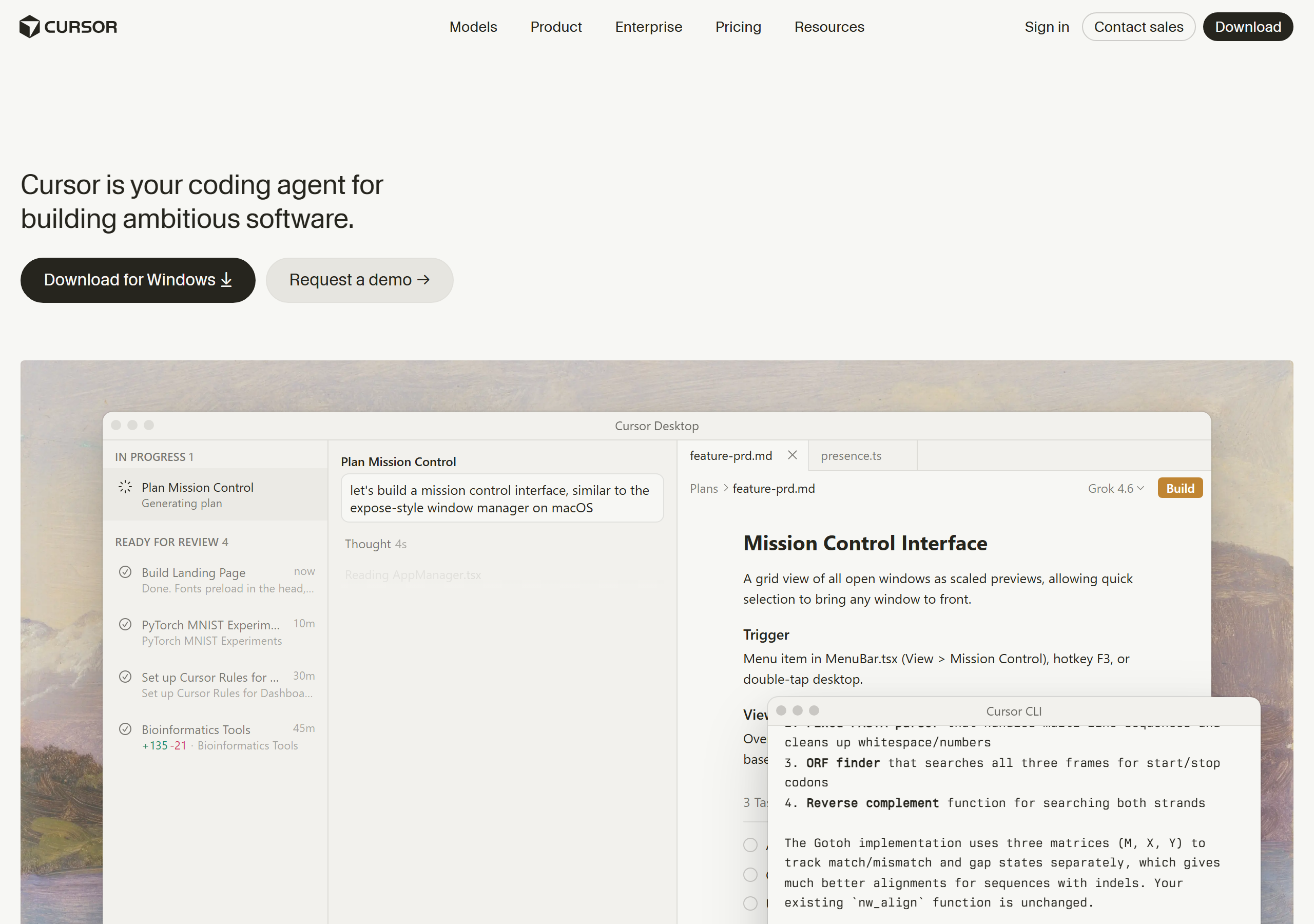
What you should see: the Cursor home page. Look for the Download button. -
Install it like any normal program.
Open the downloaded file from your Downloads folder, click Next through the installer, keep every default, then let it open. If a blue Windows warning appears, click More info → Run anyway (normal for new programs).
-
Create your account inside Cursor.
A sign-in screen appears the first time. Click Sign Up and use your email + a password you'll remember. Write both down. It opens your browser to finish; when it says success, switch back to Cursor.📷Screenshot slot
Evan: saveshots/09-cursor-signin.png
(the first-run sign-in window)What you should see: a sign-in window the first time Cursor opens. -
Start the Pro plan ($20/month).
In Cursor, click the gear icon (top-right corner) → Billing & Usage → choose the Pro plan and enter your card. It renews monthly; you can cancel anytime from this same screen. Skip this if Evan is covering it: tell him and he'll flip the switch from his side.
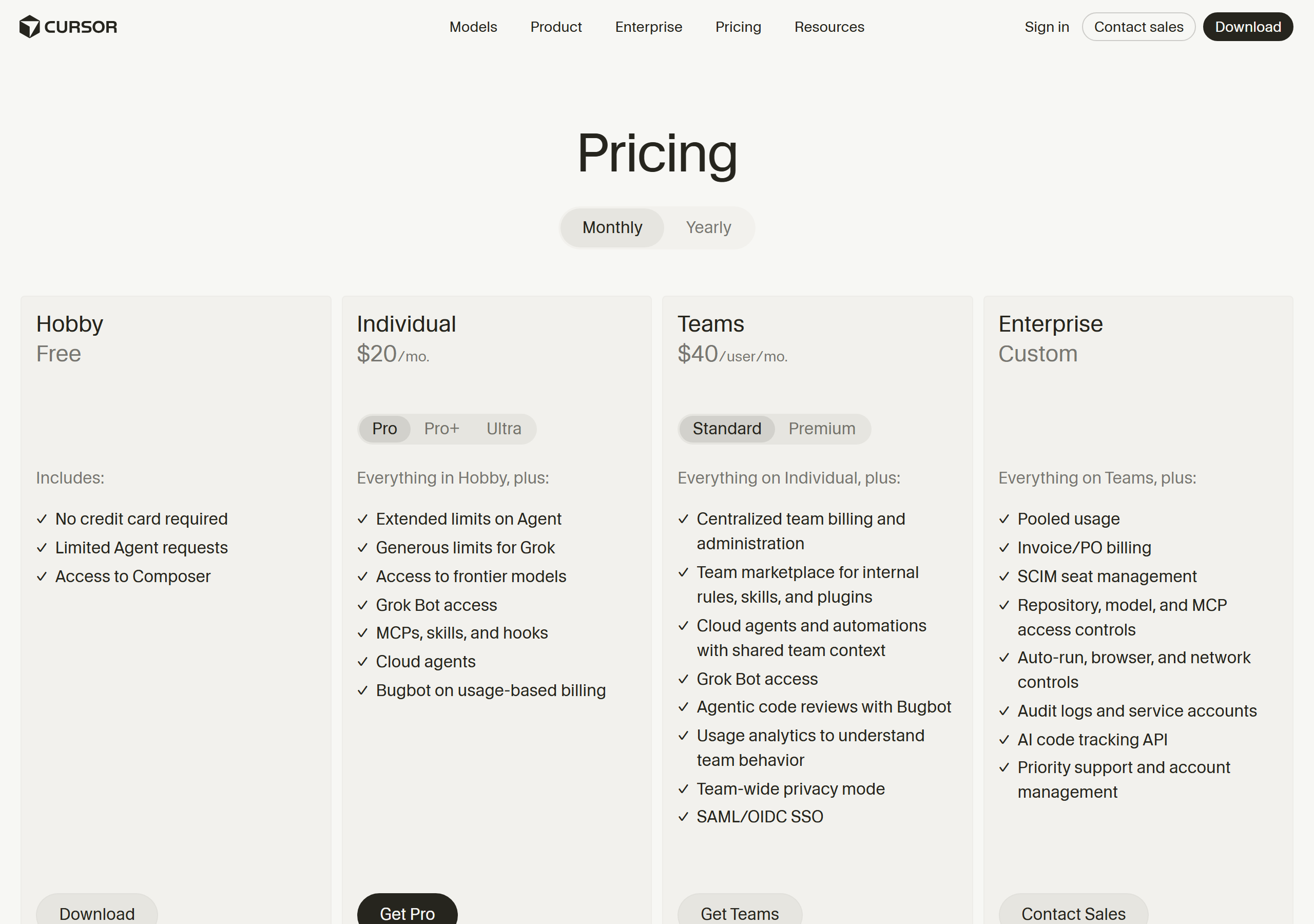
What you should see: the plans page. Choose Pro, the middle option.
"What is Cursor, in one paragraph for someone who's never used it?" Ask this in the chat panel on the right side of the screen (press Ctrl+L if it's hidden). From now on, that chat panel is your helper for everything.
-
Install Wispr Flow.
Easiest way: open the Microsoft Store (it's in your Start menu) and search for Wispr Flow, then click Install. If the store gives you trouble, use this direct link instead:
https://dl.wisprflow.ai/windows/latest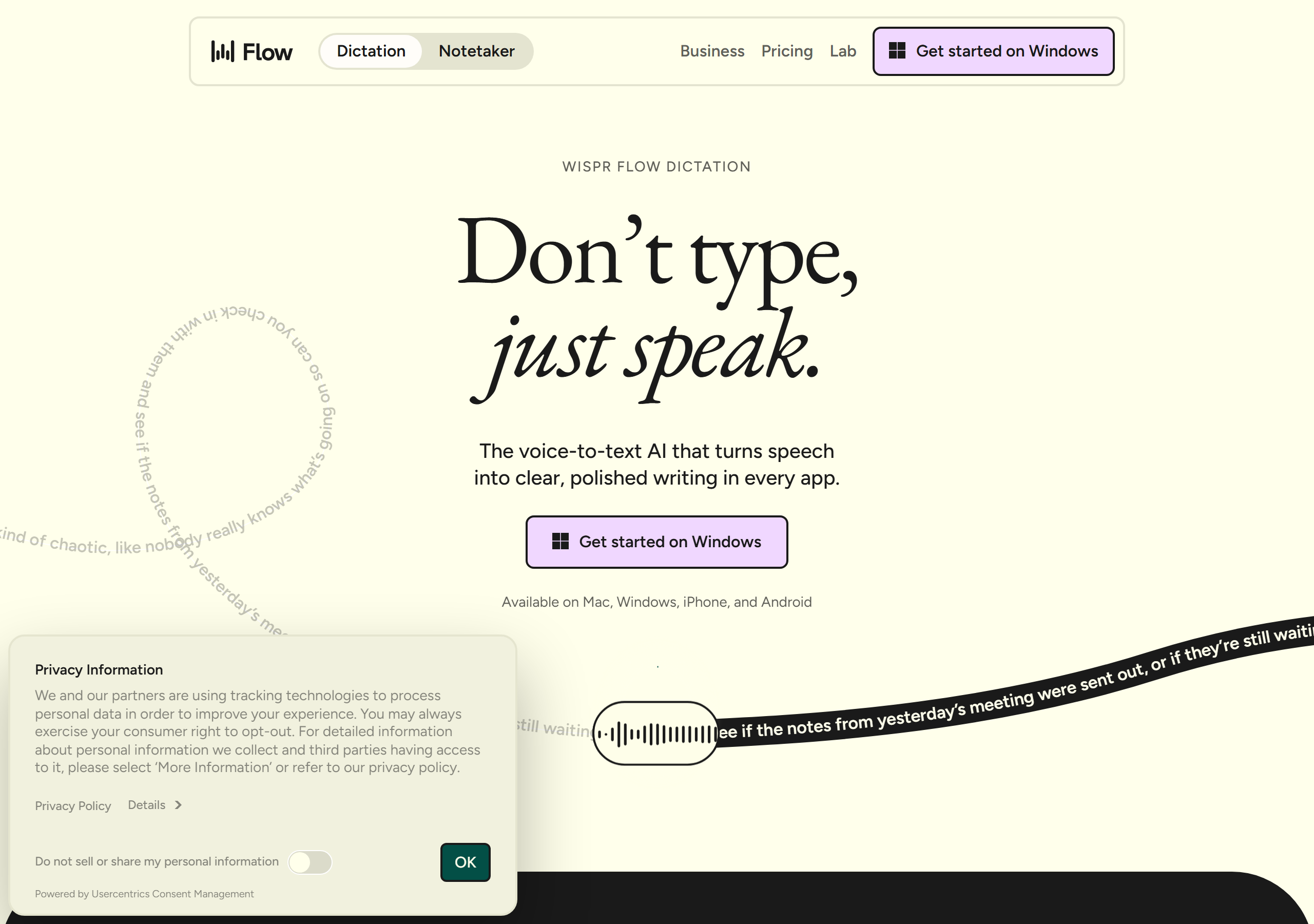
What you should see: the Wispr Flow site. It explains the app; installation happens through the Microsoft Store or the direct link above. -
Sign in and allow the microphone.
Open Wispr Flow from the Start menu. Sign in with your email (a free account is fine). Windows will ask permission to use your microphone: click Allow. A small icon appears near the clock; that means it's running.
-
Take it for a spin.
Open Notepad (Start menu → type "notepad"). Now hold Ctrl + Win (the key with the Windows logo, bottom row), say a sentence like "hello, this is my first dictation", and let go of the keys. Your words appear, typed and punctuated.
"Hi Cursor! Can you hear me?" From now on, in Cursor's chat panel, just hold Ctrl+Win and speak your questions. No typing needed.
-
Create an OpenRouter account.
Go to openrouter.ai and click Sign up (top-right). Email + password, same drill as before. Write them down.
https://openrouter.ai
What you should see: the OpenRouter home page. Sign up is in the top-right corner. -
Add $10 of credit.
Click your initials/profile (top-right) → Credits → Add credits → enter 10 and pay with your card. This is a one-time balance, like a gift card. It does not auto-recharge.📷Screenshot slot
Evan: saveshots/05-openrouter-credits.png
(logged-in Credits page with "Add credits")What you should see: the Credits page — the Add credits button lives here (yours will show your balance once signed in). -
Create your API key (the secret password).
Go to profile → Keys → Create key. Name it cursor-mom and click Create. A long key starting with sk-or- appears. Click Copy immediately. It is shown only once. Paste it somewhere safe (Notepad is fine for now).📷Screenshot slot
Evan: saveshots/06-openrouter-keys.png
(logged-in Keys page with "Create key")What you should see: the Keys page — Create key is here. Copy the key the moment it appears. One-time thing: this key is like a house key. Anyone who has it can spend your $10. Don't email it to anyone, not even Evan. If you lose it or paste it somewhere by mistake, no harm: come back to this page, delete that key, and create a fresh one.
-
Open Cursor's settings.
In Cursor, click the gear icon (top-right corner) → Cursor Settings → click Models in the left column. Scroll until you find the API Keys section.📷Screenshot slot
Evan: saveshots/10-cursor-settings-models.png
(Settings → Models, API Keys section visible)What you should see: the Models settings screen with an API Keys section. -
Paste your key.
Find the row named OpenAI API Key and switch it ON. Click into its text field and paste your
sk-or-...key. (Yes, it's called "OpenAI": that's just the socket type, and the OpenRouter key works there.) If names have moved around, just ask Cursor where to paste an OpenRouter key and it will guide you. -
Switch on "Override OpenAI Base URL" and paste this exact address.
Right below the key there's a switch named Override OpenAI Base URL. Turn it ON, then paste this exact line into the URL field (copy it here so there's no typos):
https://openrouter.ai/api/v1/cursorThe #1 mistake: forgetting the/cursorat the end. The address must end in /cursor exactly as above. If something misbehaves later, check this first. -
Add the Flash model.
Still in Models, find + Add model and type this exactly:
z-ai/glm-5.3-flash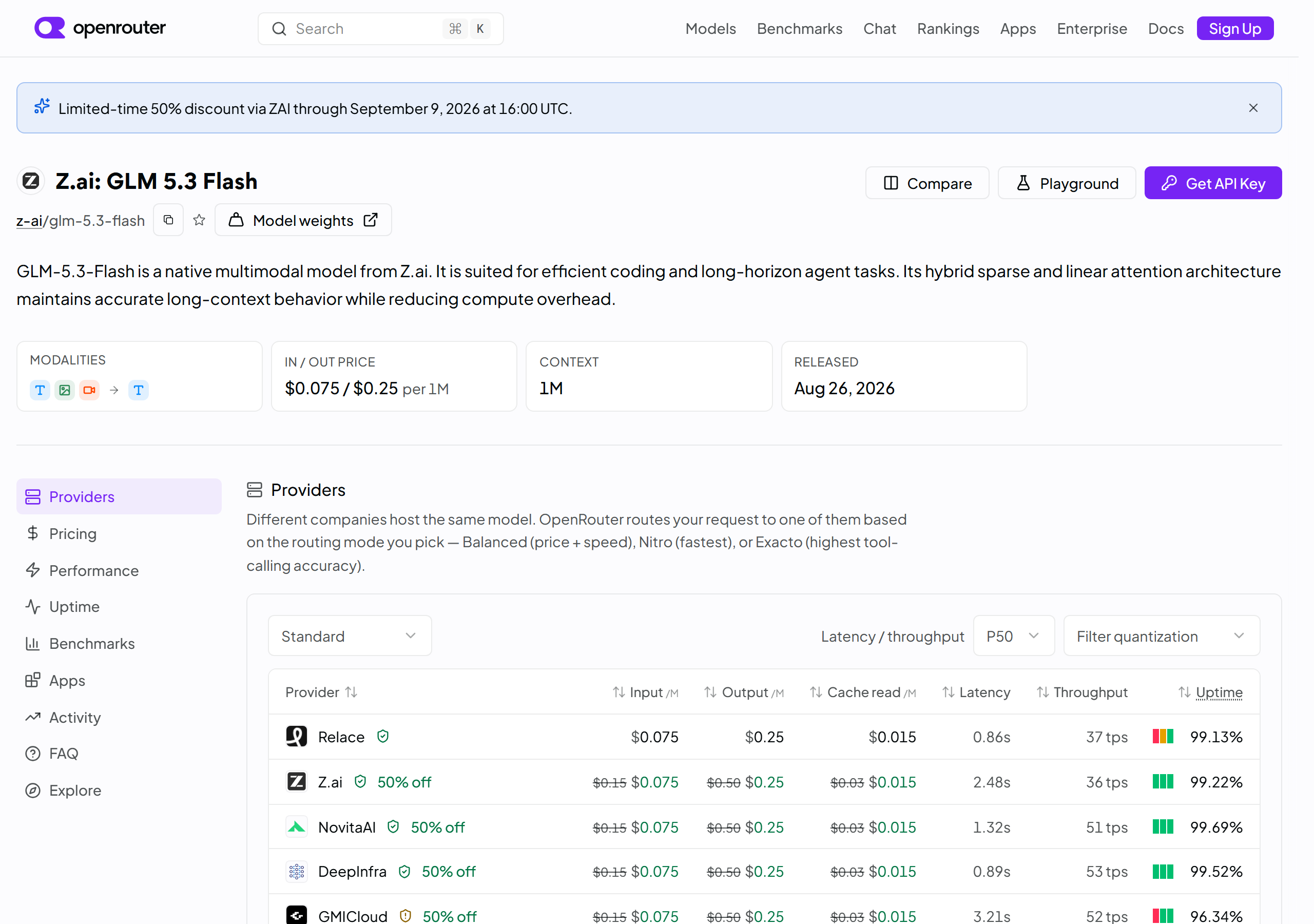
What you should see (for reference): the model's own page on OpenRouter — this is the exact model you're adding. Its name there must match what you typed. -
Pick it and say hello.
Press Ctrl+L to open the chat. At the bottom of the chat there's a model picker. Click it and choose glm-5.3-flash from the list. Now say hello (with Wispr Flow, of course). If a reply comes back, you're connected.📷Screenshot slot
Evan: saveshots/11-model-picker.png
(chat panel with model picker open, GLM visible)What you should see: the chat panel's model picker with your new model in the list.
"Check my Cursor settings and tell me if my OpenRouter key and base URL look right." If step 4 went sideways, copy any red error text from Cursor and show it to him: "Here's my error, what do I do?"
-
Download the starter folder.
Open this page, click the green <> Code button, then Download ZIP:
https://github.com/ThirdMadeUser/cursor-starter-kit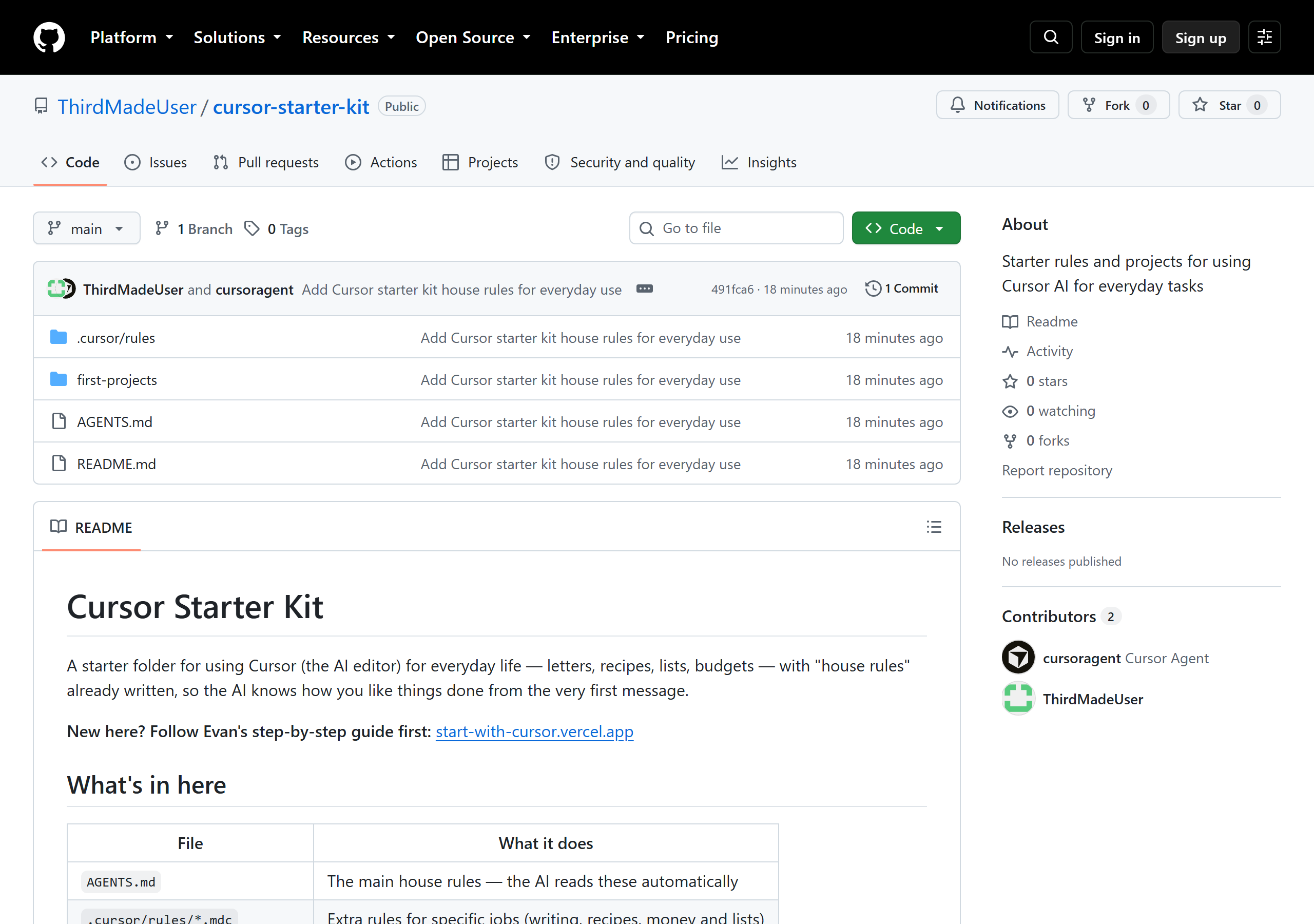
What you should see: the starter kit page on GitHub — green Code button, then Download ZIP. -
Unpack it.
Find cursor-starter-kit-main.zip in Downloads. Right-click it → Extract All… → Extract. A folder appears. Leave it somewhere you'll find it again (Documents is a good home).
-
Open the folder in Cursor.
In Cursor: File → Open Folder… → choose the extracted folder (called cursor-starter-kit-main). Click Open. Cursor now works inside your folder.
-
Test the house rules.
Press Ctrl+L and ask: "What house rules are you following? Tell me in two sentences." If it answers talking about plain language and printable pages, it's reading your rules. Welcome home.
Graduation exercises: things to try this week
Hold Ctrl+Win and just say these in Cursor's chat:
• "Help me write a short, funny birthday card for my sister, who loves gardening."
• "I have chicken, rice, and broccoli. Easy dinner for 4, numbered steps."
• "Make a shopping list for taco night for 6, grouped by store section."
• "Help me write a polite letter asking my electric company to explain a charge."
Everything you make stays in your folder. Save with Ctrl+S whenever you like something.
"Add a house rule: I always want soup recipes doubled." The rules are yours. Ask Cursor to change them anytime and it edits the file for you.
What actually is a "model"? And why do they have prices?
A model is the brain that answers when you chat, like different telephones with different rates. Tokens are how AI counts words: roughly 3/4 of a word each. Every model charges per bucket of tokens, in or out.
GLM 5.3 Flash (your budget brain) costs $0.075 per million tokens in and $0.25 per million out: that's about a novel's worth of reading for two cents. Big-name models (Claude, GPT) charge dollars per million. Same idea as generic vs. name-brand at the pharmacy: for most everyday jobs, the generic is genuinely great.
Your Cursor Pro subscription is separate and covers Cursor's own built-in AI ("Auto" mode) without any meter at all. The two systems never mix bills: Cursor Pro bills Cursor; OpenRouter bills OpenRouter.
Which brain should I pick, and when?
| Brain | Cost | Use it for |
|---|---|---|
| Auto (Cursor's own) | Included with Pro, no meter | Default for almost everything: letters, recipes, lists, questions |
| GLM 5.3 Flash (OpenRouter) | Pennies, from your $10 | Long jobs, big rewrites, anything you'd leave running. Evan will say "use Flash" when it matters |
| Big names (Claude, GPT) | Dollars, burns the $10 fast | Rare, hard problems. With Flash available you likely never need these |
You pick the brain per conversation with the model picker at the bottom of the chat. Switching never loses your work.
Wispr Flow tips and tricks
Hold Ctrl + Win, talk, release: that's the whole trick. Double-tap those keys for hands-free mode (talk, then tap once to stop). It types into any program: Cursor, Gmail, Word, not just one app.
Speak naturally, punctuation included: "Dear Susan comma I hope you're well period". Flow writes the punctuation. The free tier gives 2,000 words a week, which resets automatically: roughly 30-40 spoken emails' worth of everyday use.
If it ever stops typing: check the little icon still sits near the clock (it must be running), and that no other app has grabbed the microphone.
How your house rules actually work
Inside your folder live two kinds of instruction files. AGENTS.md is the main one; Cursor reads it automatically every time. The .cursor/rules subfolder holds extra playbooks that wake up by topic: one for writing, one for recipes, one for money and lists.
They're plain text; you could read them yourself, and so can Cursor. Say "show me my house rules" and it will open them for you. Say "add a rule that…" and it edits them. When Evan improves the rules online, you re-download the ZIP and replace the folder, or just ask him and he'll do it with you.
Keeping your money safe
Cursor Pro is a simple monthly bill on your card. Cancel anytime in Settings → Billing. It cannot spend beyond $20/month by itself; extra charges only ever happen if you deliberately switch them on (don't; the default is fine).
OpenRouter is a prepaid gift-card balance: when the $10 is gone, things stop. It can never overdraft. Its Keys page lists every key you've made; delete any you're not using. Delete + recreate a key takes 30 seconds if one ever feels exposed.
Your starter folder holds no passwords and no card numbers, only preferences. Safe to copy anywhere.
When to call Evan (a short list)
• Before paying for the Cursor Pro plan (he may cover it).
• Before the card page on OpenRouter, just so you have company.
• If any red error text sits on screen for more than five minutes of trying.
• When you want a new superpower added to your house rules.
• Anytime. That's what the phone is for.
/cursor and the model must be exactly z-ai/glm-5.3-flash. Re-paste both from this page's copy buttons.